What is the difference between merge and rebase?
merge joins two branches with a merge commit and preserves history. rebase replays your commits on top of another branch for a linear history. Never rebase commits that others have already pulled.
What is the difference between reset and revert?
git reset moves the branch pointer and rewrites history. git revert creates a new commit that undoes a previous one, so it is safe on shared branches.
How do you undo your last commit but keep the changes?
git reset --soft HEAD~1
What does git stash do?
It shelves uncommitted changes so you can switch branches, and git stash pop brings them back.
How do you resolve a merge conflict?
Open the conflicted files, choose the correct code between the markers, git add the files, then continue the merge or rebase.
What is git cherry-pick?
It applies a single commit from another branch onto your current branch.
A normal feature workflow
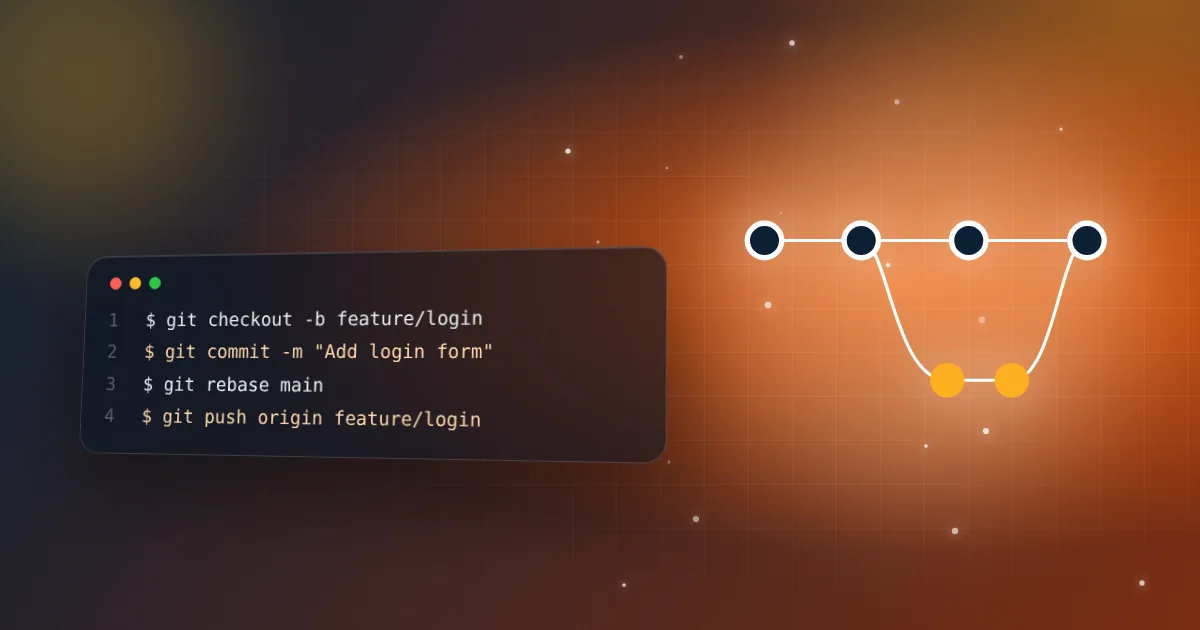
git switch -c feature/login        # new branch
git add .
git commit -m "Add login form"
git fetch origin
git rebase origin/main             # replay your work on the latest main
git push -u origin feature/login   # then open a pull request
Clean up commits before a pull request
git rebase -i HEAD~3 # mark commits as squash or reword
Recover from mistakes
git restore file.ts          # discard local changes to a file
git reflog                   # find a "lost" commit
git reset --hard <commit>    # return to it (careful: discards changes)
Interview tip: explain reflog. It shows you know that Git rarely loses committed work.
Related resources
Keep practicing
Follow the topic-by-topic checklist and turn what you read into interview-ready answers.
Keep reading
Tailwind CSS interview questions and answers
Utility-first CSS, responsive design, dark mode and customization: what interviewers actually ask.
5 min read · Oct 27, 2026
GSAP interview questions: timelines, ScrollTrigger and React
The GSAP concepts frontend interviews cover, and how to use them correctly in React and Next.js.
5 min read · Oct 24, 2026