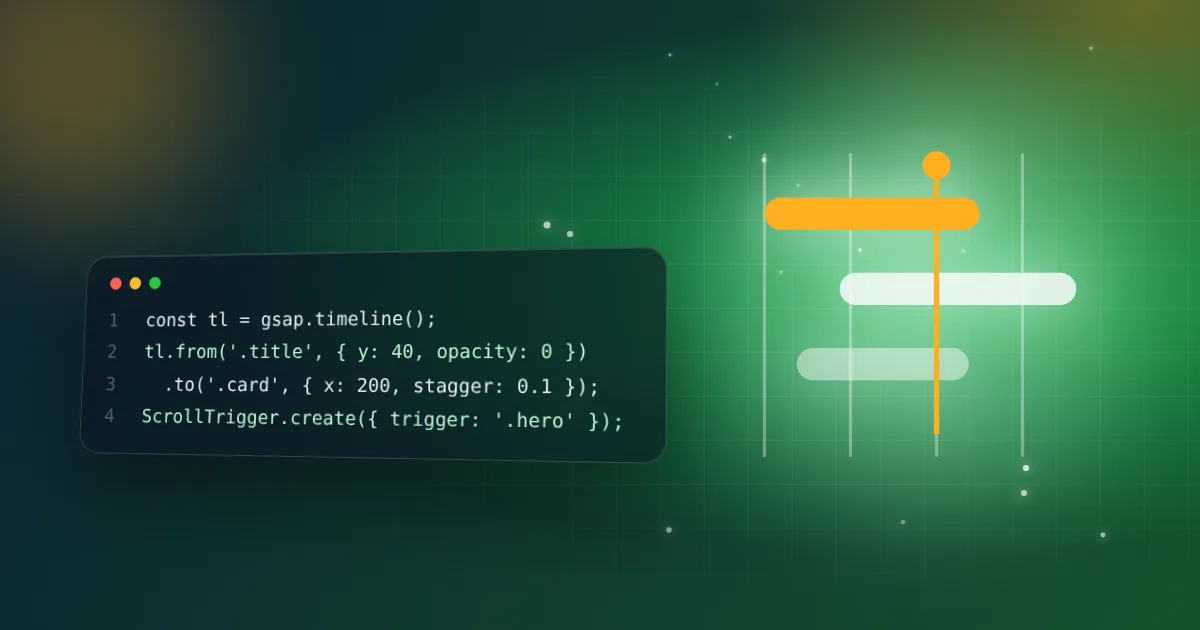
What is a GSAP timeline?
A timeline sequences tweens so you can control them as one unit: play, pause, reverse, and position each tween relative to others.
const tl = gsap.timeline();
tl.from(".title", { y: 40, opacity: 0 }).from(".card", { opacity: 0, stagger: 0.1 }, "-=0.3");
How do you use GSAP safely in React?
Create animations inside useEffect and wrap them in gsap.context(). Return ctx.revert() for cleanup, otherwise animations leak and double up in Strict Mode.
What does ScrollTrigger do?
It links animations to scroll position: triggering when an element enters the viewport, scrubbing progress with the scrollbar, or pinning sections.
Why animate transform and opacity?
They are handled by the GPU compositor and avoid layout and paint work. Animating top or width forces layout and causes jank.
How do you respect users who prefer reduced motion?
Check window.matchMedia("(prefers-reduced-motion: reduce)") and skip or shorten animations.
Example: a clean React animation
"use client";
import { useEffect, useRef } from "react";
import gsap from "gsap";

export function Card() {
  const root = useRef<HTMLDivElement>(null);
  useEffect(() => {
    const ctx = gsap.context(() => {
      gsap.from(".item", { y: 30, opacity: 0, stagger: 0.1, duration: 0.6 });
    }, root);
    return () => ctx.revert(); // removes animations on unmount
  }, []);
  return <div ref={root}><p className="item">One</p><p className="item">Two</p></div>;
}
Example: ScrollTrigger
import { ScrollTrigger } from "gsap/ScrollTrigger";
gsap.registerPlugin(ScrollTrigger);

gsap.to(".box", {
  x: 400,
  scrollTrigger: { trigger: ".box", start: "top 80%", end: "top 20%", scrub: true },
});
scrub: true ties progress to the scrollbar. Use once: true instead for a one-time reveal.
Common mistake: hiding content with from() and relying on a trigger to show it. If the trigger fails, the content stays invisible, so make content visible by default.
Related resources
Keep practicing
Follow the topic-by-topic checklist and turn what you read into interview-ready answers.
Keep reading

Tailwind CSS interview questions and answers
Utility-first CSS, responsive design, dark mode and customization: what interviewers actually ask.
5 min read · Oct 27, 2026
Framer Motion vs GSAP: which should you use?
A practical comparison of the two most popular animation libraries for React, and how to answer in an interview.
4 min read · Oct 21, 2026